A service business with leads coming in from ads, the website and referrals, all handled by memory and a shared inbox. The goal: one GoHighLevel setup where every lead is captured, answered fast and tracked until it becomes a customer.
About this build. This is an example build based on a real brief. The client is anonymised, nothing shown is client data, and there are no results numbers here on purpose: the point is to show how the system is designed and why each piece exists.
The problem
Leads arrived in four places, nobody knew which ones had been answered, and appointment reminders were sent by hand when someone remembered. The owner could not tell how many enquiries turned into paying customers, or where the rest went.
How I built it
Step 01
Set up the sub-account like a system, not a junk drawer
WhyEvery automation later depends on clean data. If tags and fields are invented on the fly, workflows break and reports lie within a month.
HowBefore building anything visible, I defined the custom fields, a small tag taxonomy with prefixes, and the naming rules. Everything is documented in one page so the team keeps it clean after handover.
- Tag prefixes:
source-,stage-,status- - Only fields that are used in a workflow or report
- Users and permissions set per role
Step 02
Build a pipeline that matches how the business actually sells
WhyA pipeline is only useful if each stage means one clear thing. Otherwise cards sit in “follow up” forever and nobody trusts the numbers.
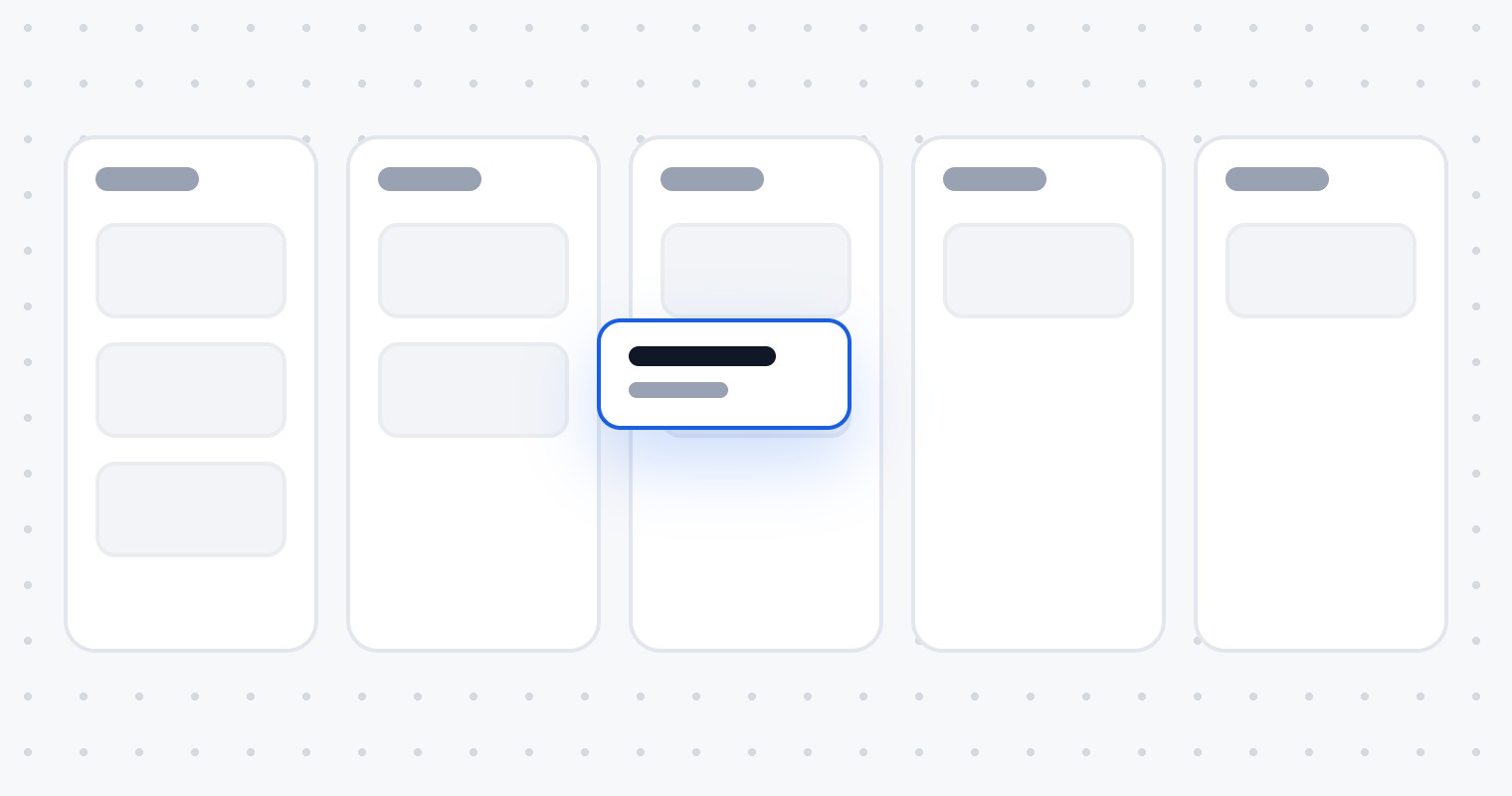
HowSix stages, each with an entry rule: New lead, Contacted, Booked, Showed, Won, Lost. Workflows move the cards automatically when something happens, so the board stays accurate without anyone dragging cards around.
New lead4
Contacted3
Booked2
Showed2
Won1
A lead moves through the stages on its own as each event happens.
Step 03
Make it easy to enquire and book in one go
WhyEvery extra step between “I am interested” and “I have a time booked” loses people. A form that ends with “we will get back to you” asks them to wait.
HowThe enquiry form asks only what the team needs to qualify, then goes straight to a booking calendar with real availability. Both are embedded on the website and on ad landing pages, and every submission lands in the same pipeline.
- Form fields mapped to custom fields, hidden UTM fields for source tracking
- Calendar with buffers, minimum notice and working hours
- Confirmation page with what happens next
Step 04
Reply within a minute, every time
WhyThe first business to respond usually wins the job. A human cannot answer every enquiry within minutes, especially evenings and weekends.
HowThe moment a form is submitted, the workflow creates the opportunity, sends a personal SMS and an email with the booking link, and gives the owner a task to call. The lead hears back immediately; the human follow-up still happens.
From submission to SMS, email and task in under a minute.
Step 05
Remind people so they actually show up
WhyNo-shows waste the most expensive slot in the funnel: the one where a lead was ready to talk. Most no-shows simply forgot.
HowBooking moves the card to Booked and starts timed reminders, 24 hours and 2 hours before. A separate workflow handles no-shows with a friendly reschedule link, and marks Showed when the appointment status changes.
Step 06
Test everything, then hand it over properly
WhyA system that only its builder understands becomes a problem the day they are busy. And automations that were never tested end-to-end fail with real customers.
HowEvery workflow is tested with a dummy contact through each path, including the uncomfortable ones: double submissions, cancellations, replies to SMS. Then a short written SOP and a recorded walkthrough so the team can run it without me.
- Test contacts for each path, logs checked in workflow history
- SOP: how leads flow, what each tag and stage means
- Recorded walkthrough of the pipeline and workflows
What the business gets
- Every lead in one pipeline, from any source
- An instant, personal reply to every enquiry
- Fewer no-shows with automatic reminders
- A clear view of where leads stop and why
- A setup the team can run and maintain