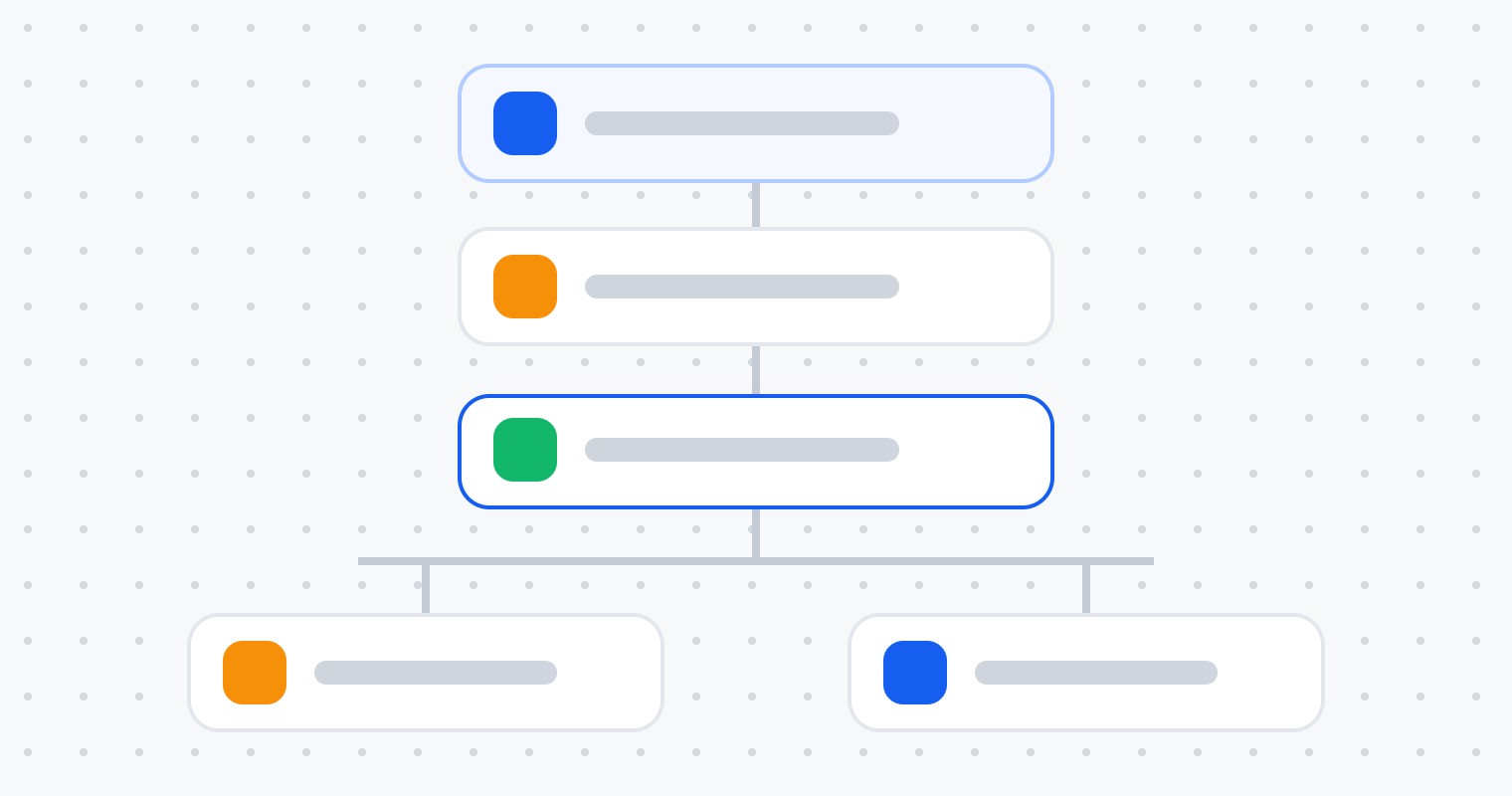
The brief asked for something simple: show a basic workflow and explain how it runs. Simple workflows are where most automation mistakes happen, so here is one built properly and explained step by step.
About this build. This is an example build based on a real brief. The client is anonymised, nothing shown is client data, and there are no results numbers here on purpose: the point is to show how the system is designed and why each piece exists.
The workflow
The whole workflow. Watch the contact move from trigger to the right branch.
Step 01
Trigger: Form submitted, with a filter
WhyA trigger without a filter fires on every form in the account. The day someone adds a newsletter form, newsletter subscribers start getting sales texts.
HowThe trigger is Form submitted with a filter for the exact form. Re-entry is off, so a contact who submits twice does not get two sets of messages.
- Filter: Form is “Contact us”
- Allow re-entry: off
- Contacts enter the moment the form is submitted
Step 02
Tag first, so everything after can rely on it
WhyTags are how other workflows, reports and smart lists know what happened. Adding it first means it exists even if a later step fails.
HowAn Add tag action applies new-enquiry. Smart lists and the pipeline report use this tag, and other workflows can check for it.
Step 03
Send the SMS with merge fields and a fallback
WhyA personal first message gets replies; a generic one gets ignored. But a missing first name should never produce “Hi ,”.
HowThe SMS uses {{contact.first_name}} with a fallback of “there”, is sent only during business hours, and stays short enough for one segment. The sender is the business number, so replies land in the conversation inbox.
Step 04
Wait for a reply, with a timeout
WhyA fixed wait sends the follow-up even when the person already answered. Waiting for a reply lets the workflow react to what the contact actually did.
HowA Wait step set to “contact reply” with a one-day timeout. The workflow pauses for each contact individually; nothing else is blocked while it waits.
Step 05
Branch on what happened
WhySomeone who replied needs a human now. Someone who did not needs a second, different touch, not the same message again.
HowIf the contact replied, the team gets an internal notification and a task. If the wait timed out, the contact gets an email with the booking link and answers to common questions. Both paths end cleanly.
How it executes
- Each contact runs through the workflow on their own timeline; waits pause only that contact
- Actions run top to bottom; if one fails, the history log shows exactly where and why
- Re-entry settings decide whether a contact can go through again
- Testing: a test contact through both branches, then checking the execution log before publishing
Small workflow, but every decision in it prevents a real-world mistake: wrong form, duplicate messages, “Hi ,”, follow-ups after a reply. That is the difference between a workflow that demos well and one that runs for years.